Set the search once. Candiwize pulls live listings, scores each one against your CV, finds the people behind the matches and writes each a personal email, sent from your Gmail only when you say so.
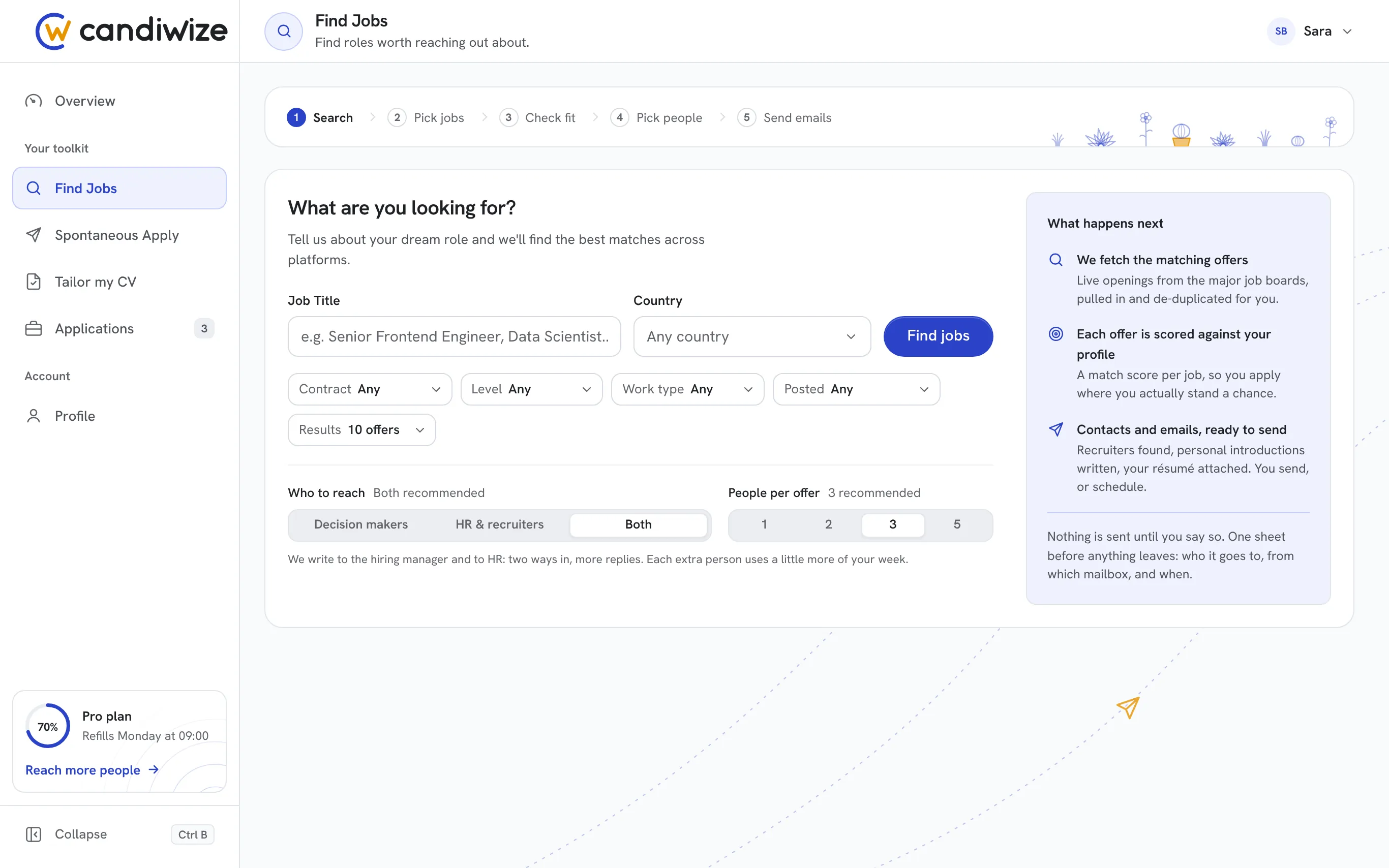
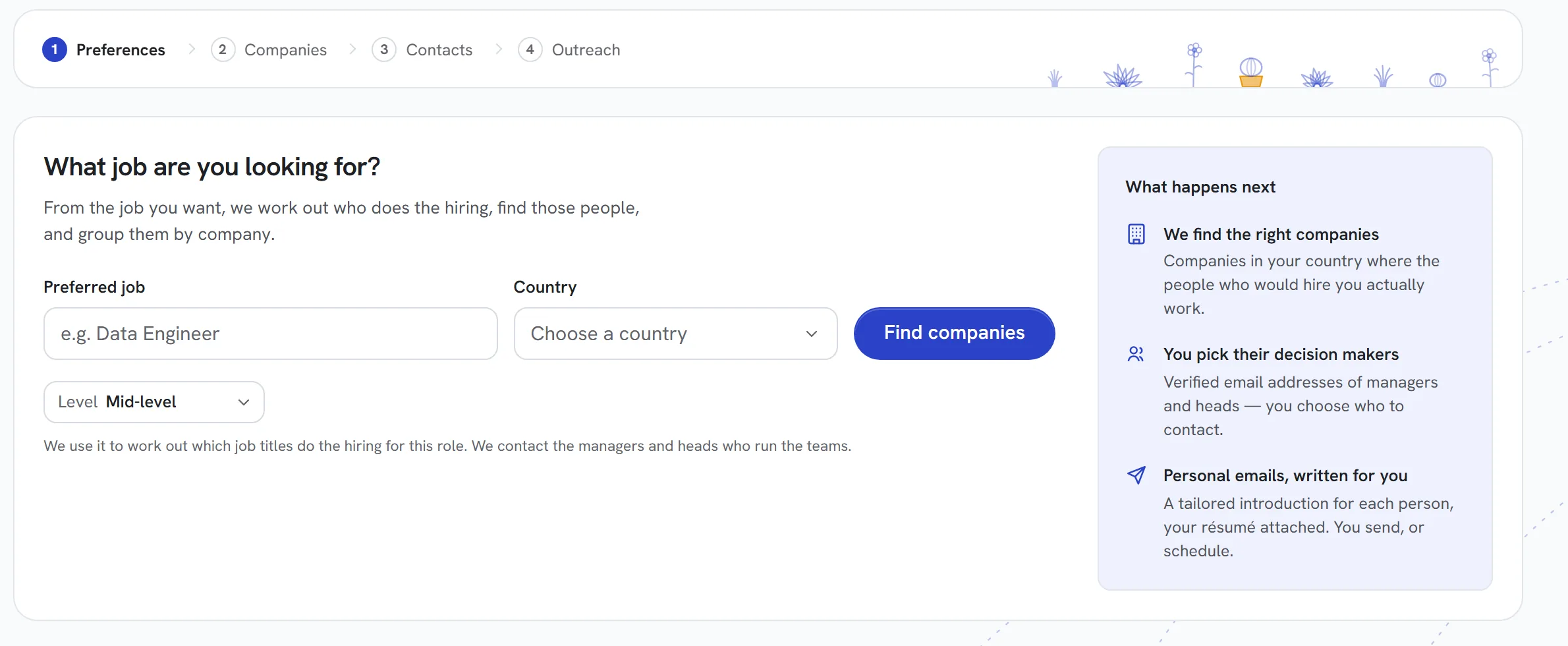
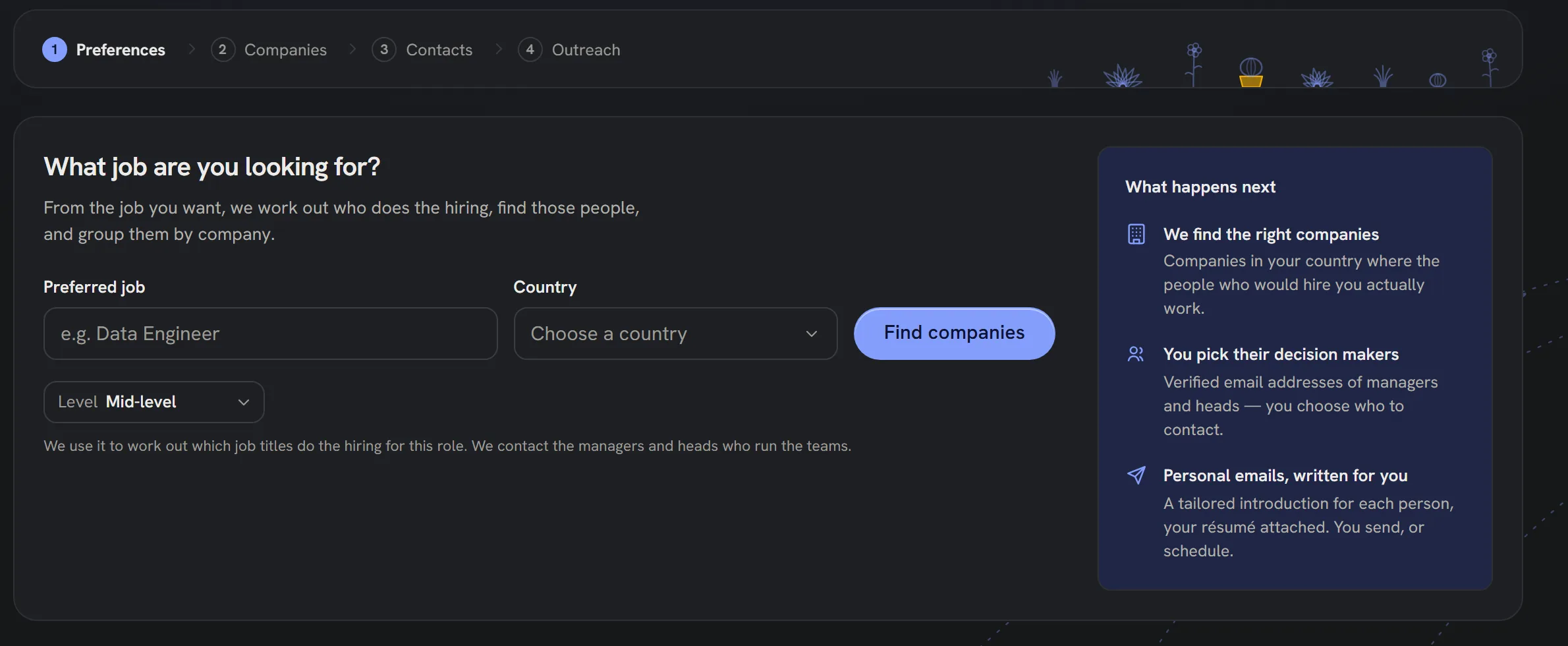
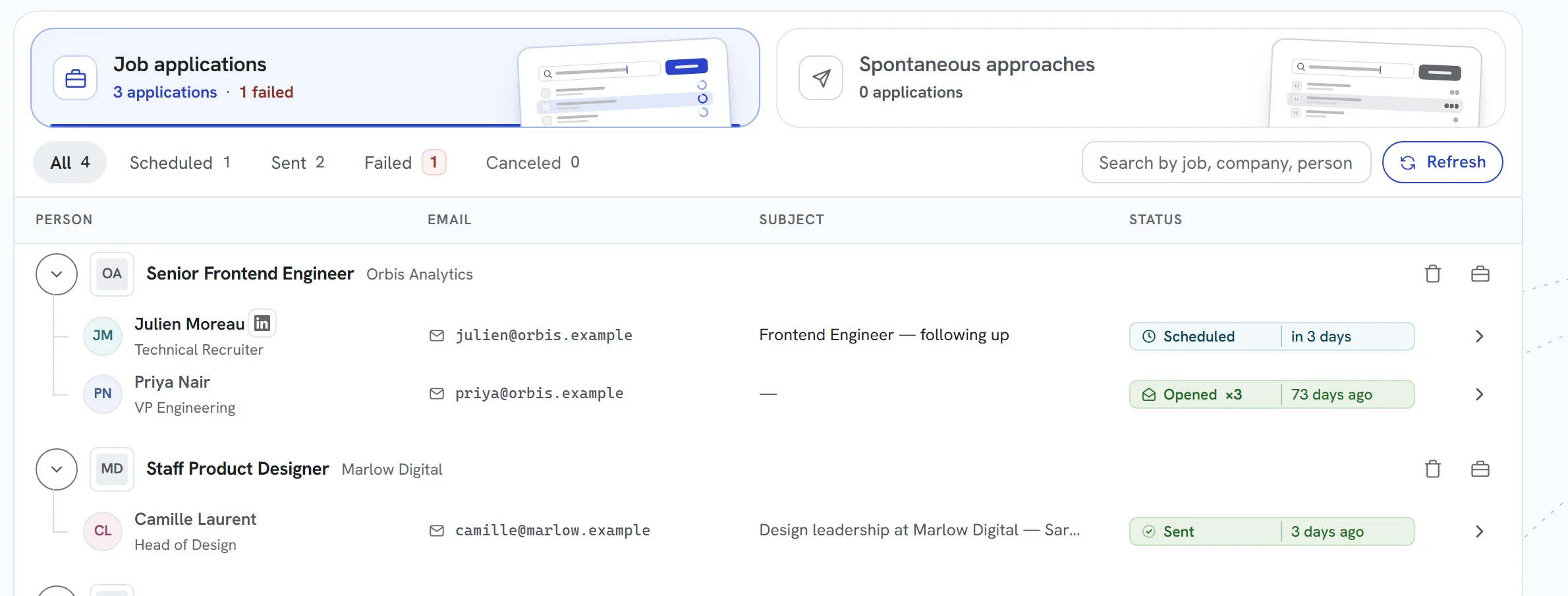
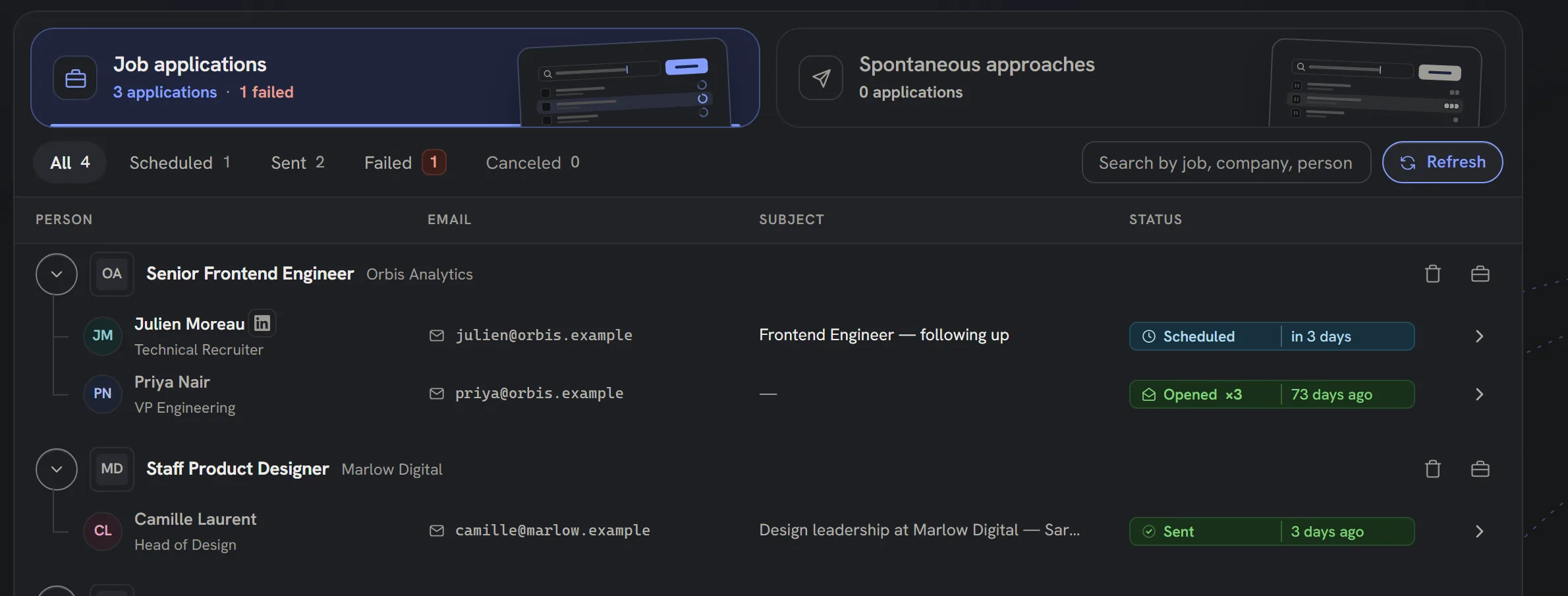
Pictures of the real Find Jobs screen on sample data, played step by step: a search, the offers, the fit, the people and the emails. The steps are described below them.
app.candiwize.com/dashboard/jobsThe real app · sample data
SearchName the role and the country. Candiwize pulls live offers from the major job boards, duplicates removed.
Why it works
Why it gets answers
A yes or no, with reasons
Each offer is read against your CV and the reasons are written out, so you only chase the roles that fit.
The person, not the portal
For each match, the hiring manager and a recruiter, with a checked work email, instead of an application form.
Your Gmail, your say
One email per person, written from your CV and sent from your own address, only after you approve it.
How Find Jobs works
One search, five steps. You make the calls; Candiwize does the reading, searching and writing in between.
01
Live listings, not an old list
Name the role and the country, and add a level, a contract, a work type or how recent the posting is if you like. Candiwize searches live job boards at that moment and removes duplicates. Offers you already applied to are set aside.
02
A fit you can read
Every offer you keep is read against your CV and gets a plain yes or no, a score, and the reasons behind it. Open any offer to see the posting and why it fits, then keep only the ones worth an email.
03
The people who can say yes
For each match, Candiwize looks for the hiring manager first, then a recruiter, and checks their work email. You choose who to reach and how many people per offer.
04
One personal email each
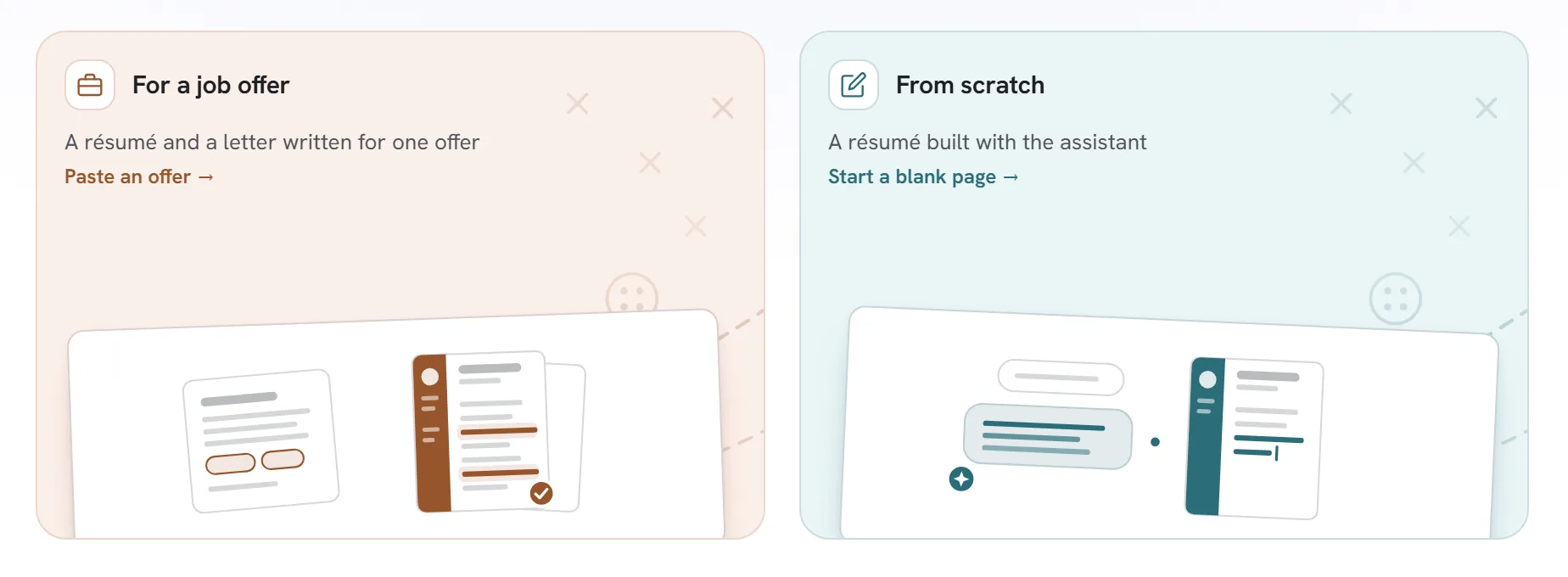
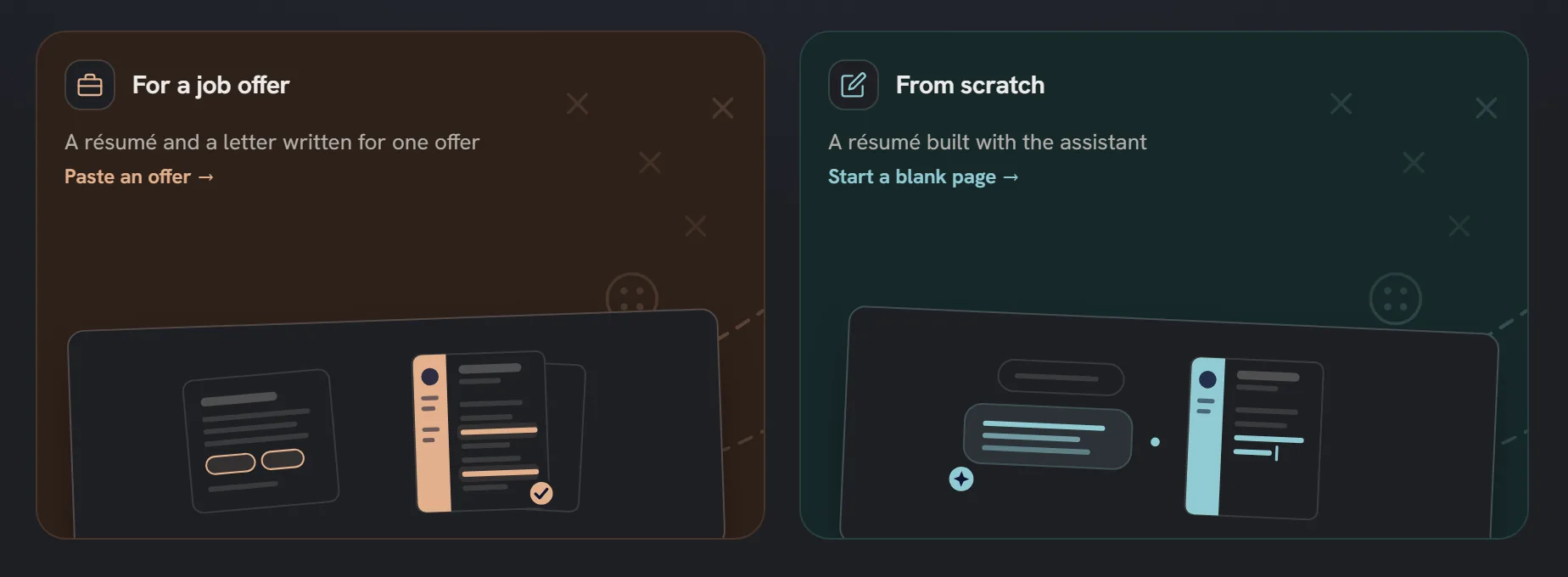
Each person gets one email written from your CV and the offer, with your CV attached, or a résumé and cover letter tailored to the role. Read it, change any word, then send it now or at a time you pick, from your own Gmail.
Questions
Questions about Find Jobs
Does Candiwize apply on job boards for me?
No. Candiwize does not fill in application forms or click "Easy Apply". It finds the recruiter or hiring manager behind the listing, writes them one personal email and sends it from your own Gmail. You reach a person, not a pile.
Where do the job offers come from?
From live job boards, searched the moment you press Find jobs, with duplicates removed. You set the role and the country and, if you want, the level, the contract, the work type and how recent the posting is.
How is the fit scored?
Candiwize compares what each offer asks for with your CV: your skills, your experience and the years behind them. You get a plain yes or no, a score, and the reasons, so you can see why a role fits before you write to anyone.
Do I have to approve every email?
Yes, that is the point. Candiwize writes each email and holds it in the app, where you read it, edit it and approve it; only then does it leave your Gmail.
Is my Gmail account safe?
We connect through Google's official sign-in (OAuth) with a send-only permission: Candiwize can send the emails you approve and cannot read your inbox. We never see or store your password. Disconnect with one click and the connection is gone.