Two lists, one place
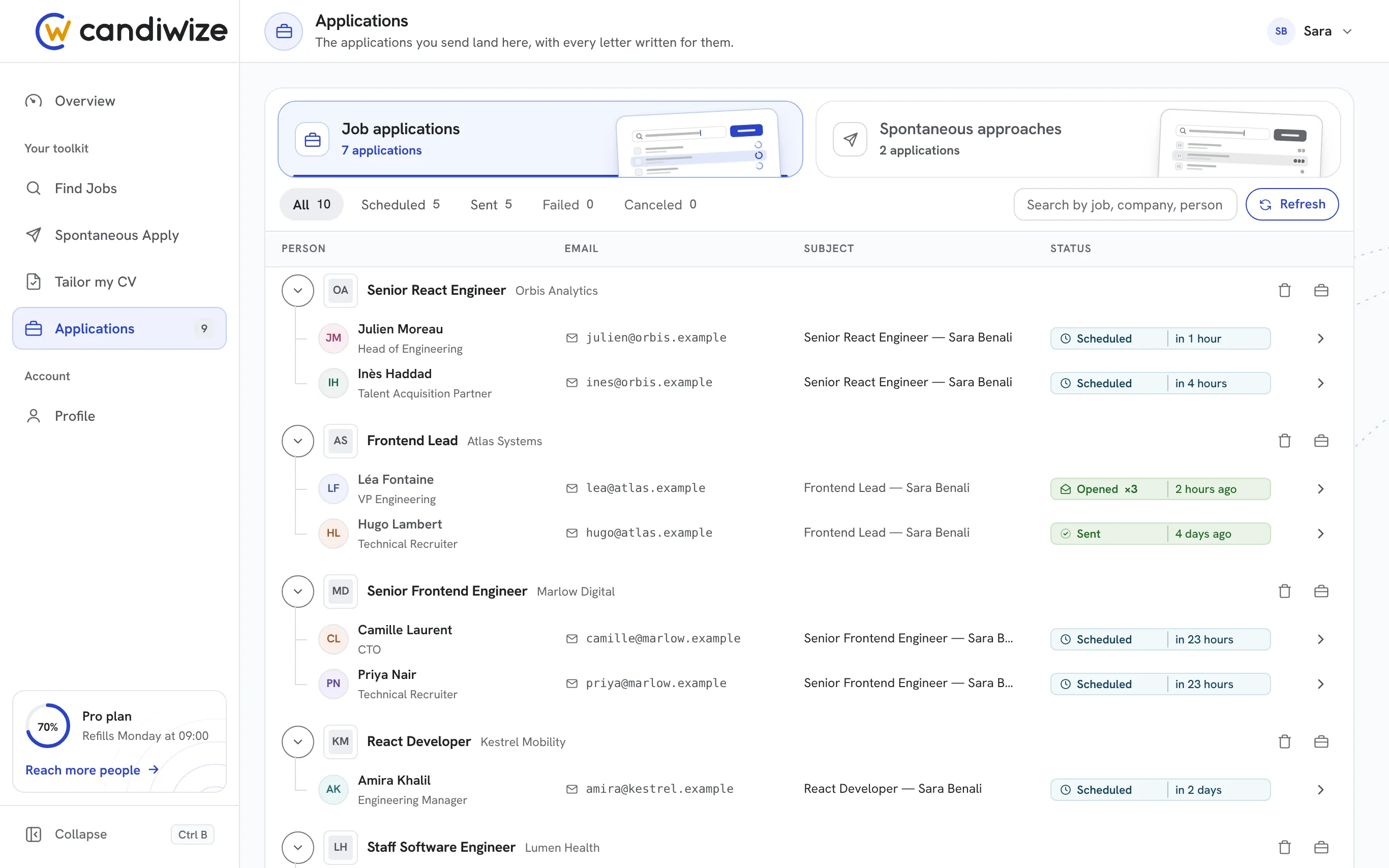
Job applications on one side, spontaneous approaches on the other. Each row shows the company, the role, the people you wrote to and where each email stands.
Applications
Every job you applied to and every company you wrote to, with each email and where it stands: Scheduled, Sent, Opened. Move a send to a better time, or cancel it before it leaves.
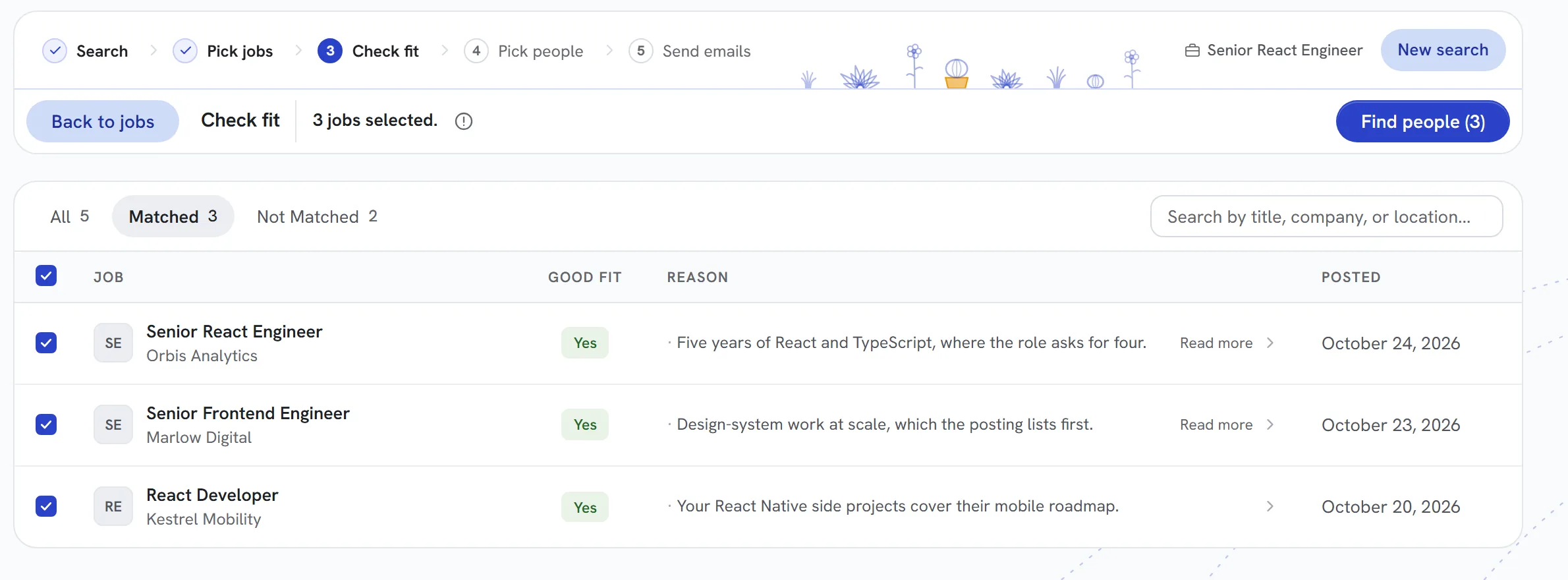
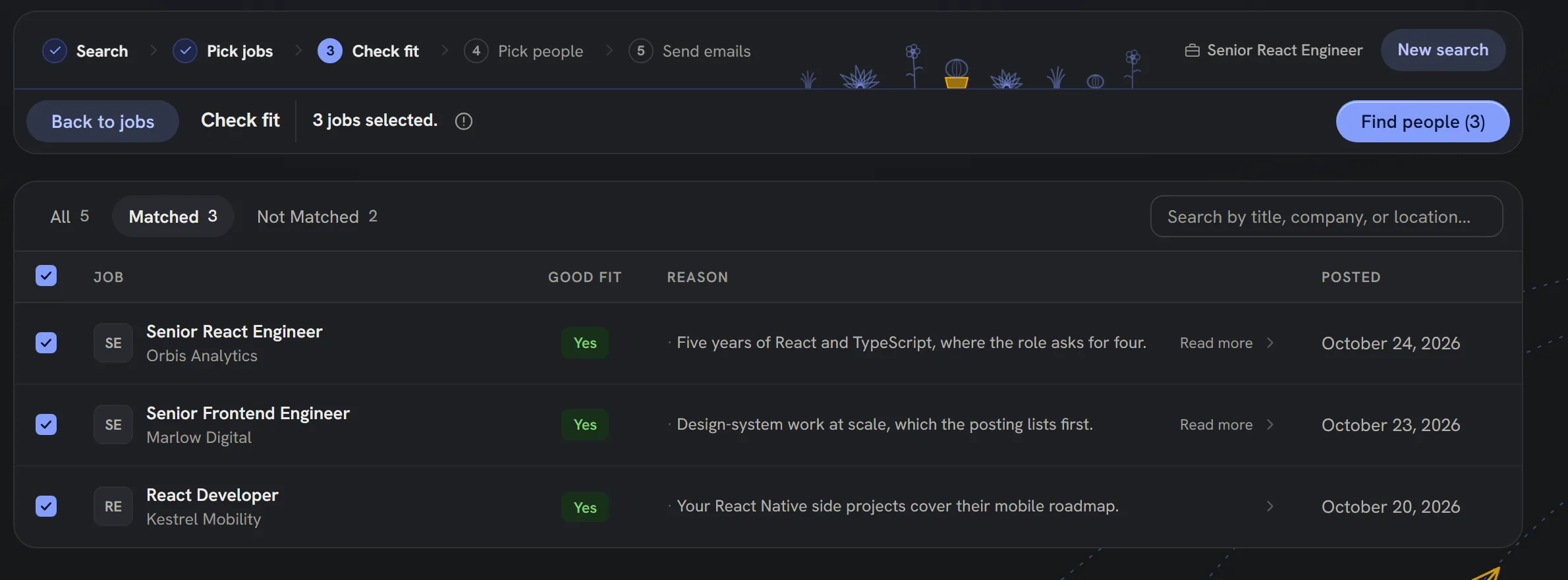
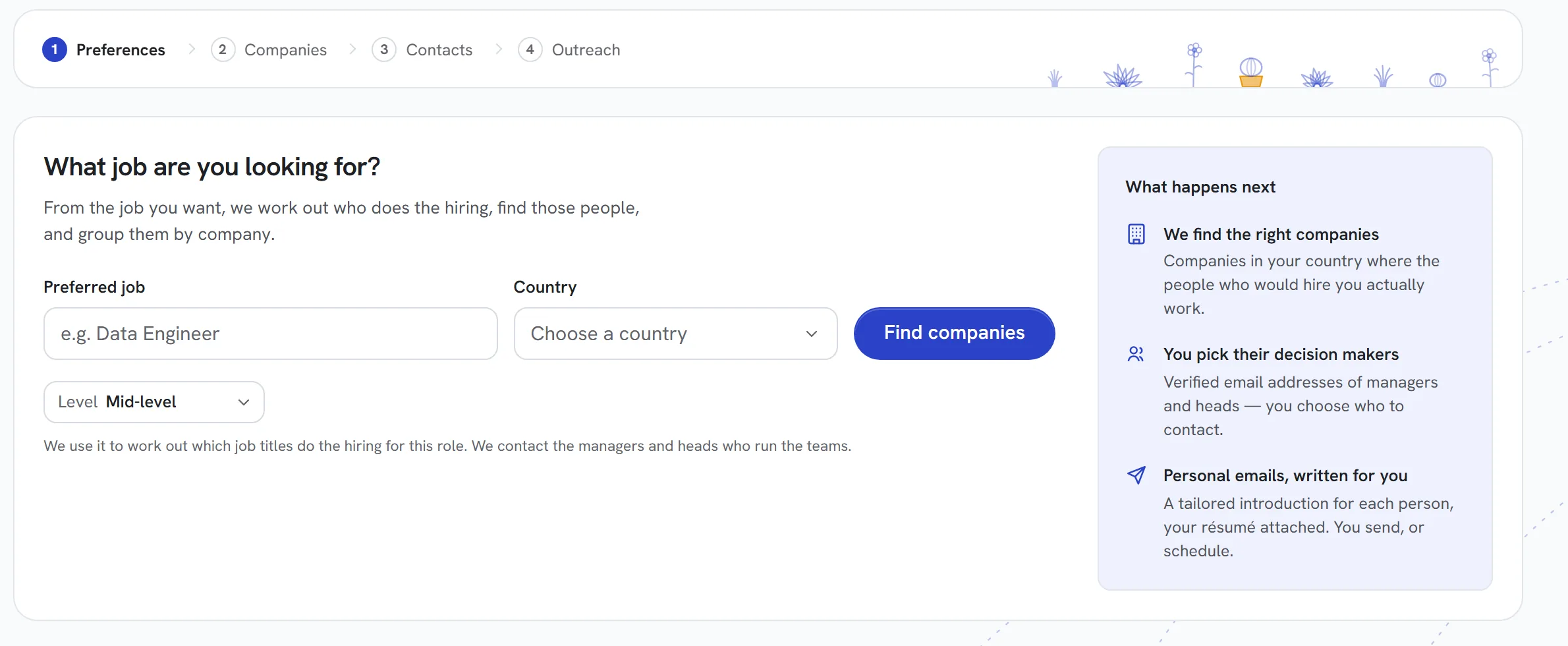
Pictures of the real Applications screen on sample data, played step by step: the list, the emails still to go, one application, its email and a new time. The steps are described below them.
Why it works
Each email Candiwize sends files itself under its application, with the people and the documents that went with it.
See when an email was opened, so you know which applications are moving and where a follow-up makes sense.
A scheduled email can be moved to a better time or canceled, right up until it leaves your Gmail.
Every email from Find Jobs and Spontaneous Apply lands here by itself, in the state it is in.
Job applications on one side, spontaneous approaches on the other. Each row shows the company, the role, the people you wrote to and where each email stands.
Scheduled, Sent, Opened: each email moves on by itself as it goes out and is read. Tabs narrow the list to what is still to go, what went out, or what needs a look.
See why the role fits you, the résumé and cover letter attached, who received the email and when, and read the exact email that went out.
Move a scheduled email to another day and hour, or cancel it before it leaves. The list shows the change at once.
Questions
No. Every email sent from Find Jobs or Spontaneous Apply lands in Applications by itself, with its role, its people and its documents.
Applications marks an email Opened once the person has opened it, so you can see which applications are being read.
Yes. Open a scheduled email and pick a new day and time, or cancel it. Nothing leaves your Gmail before the time you set.
It shows as Failed under its application, in its own tab, so nothing goes missing quietly.
Spontaneous Apply
Tailor my CV